

Articles
Free Up Dump Space
Dump files are an unnecessary accumulation of gigabytes of garbage that can store for a long time. Free up space on your computer from unnecessary junk.

How to accurately resize a Reference Image to the correct dimensions in 3Ds Max
Discover how to easily and intuitively adjust the size of your reference image in 3Ds Max. No plugins or scripts required. Perfect scaling and accuracy. Achieve real-world dimensions in your project!

Adjusting the exact size of the model in 3Ds Max
Learn how to accurately resize models in 3Ds Max using the 2x2x2 FFD modifier. Without the need for third-party plugins, this tutorial offers an efficient approach to achieving the exact dimensions of your models. A perfectly fitted model is the key to realizing projects with millimeter precision.

Advanced search for materials and objects in 3Ds Max
Some tricks to help you find objects and materials better in your 3Ds Max. Take a fresh look at the familiar search form.
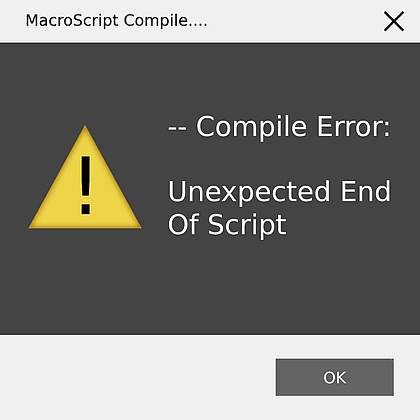
Error Unexpected end of script
Solving the floating Unexpected end of script error when starting 3Ds Max.
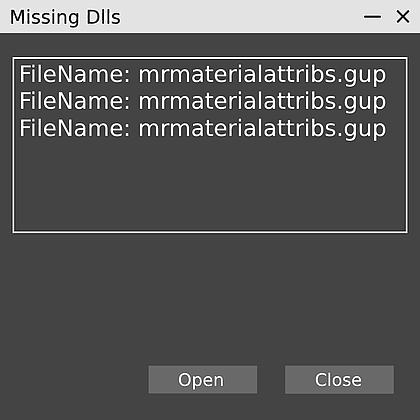
Error mrmaterialattribs.gup in 3Ds Max
How to avoid the mrmaterialattribs.gup error for the Mental Ray plugin in 3Ds Max.
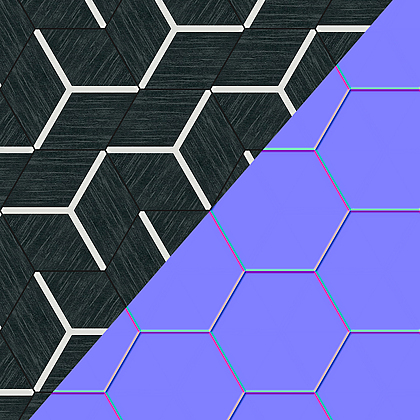
Create a Bee Hive Medley tile texture
A way to create textures and bump maps using 3Ds Max and Photoshop. You can use such textures for your scenes 3Ds Max, WebGL, UE4, Unity.

3Ds Max mirroring problem
How to avoid Flipped Polygons in 3Ds Max when using the Mirror tool.
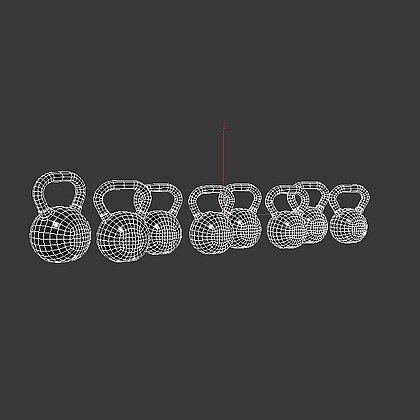
Break object by elements
Break model in to separate objects by elements without plugins.
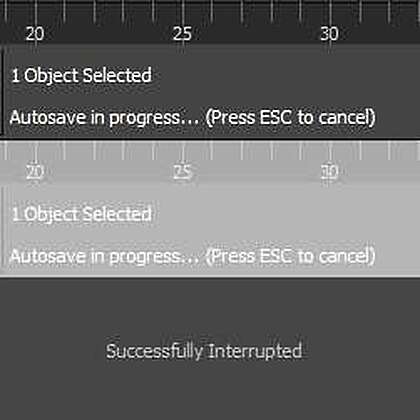
3Ds Max autosave speedup
Solution how to speed up auto saving in 3Ds Max. Just put one script with one line in to Startup folder.
Sponsored content


© 3D GROUND. All rights reserved 2026.
Site build 34.